get started encrypting files with chiffrage & age encryption
a short overview of age & asymmetric encryption
age encryption uses public-key (asymmetric) encryption in which you have a keypair:
- your public key is safe to share. files encrypted to your public key will be possible to decrypt with…
- your private key, which should NEVER be shared unless you want someone else to decrypt your files.
note: age does not support signing, which means that the integrity of a file encrypted to you cannot be proven. for example, if alice was supposed to encrypt a file to you, i could encrypt my own file and swap it in and there’s no way for you to know the difference. the official advice is to keep the public key a secret as well when you want to be able to verify integrity. thankfully, age keys are cheap, and there is no real issue with generating a new one whenever you want.
in short:
- if you want to encrypt files to yourself, just encrypt them to your own key
- if you want to encrypt files to others, you need their public key
key management
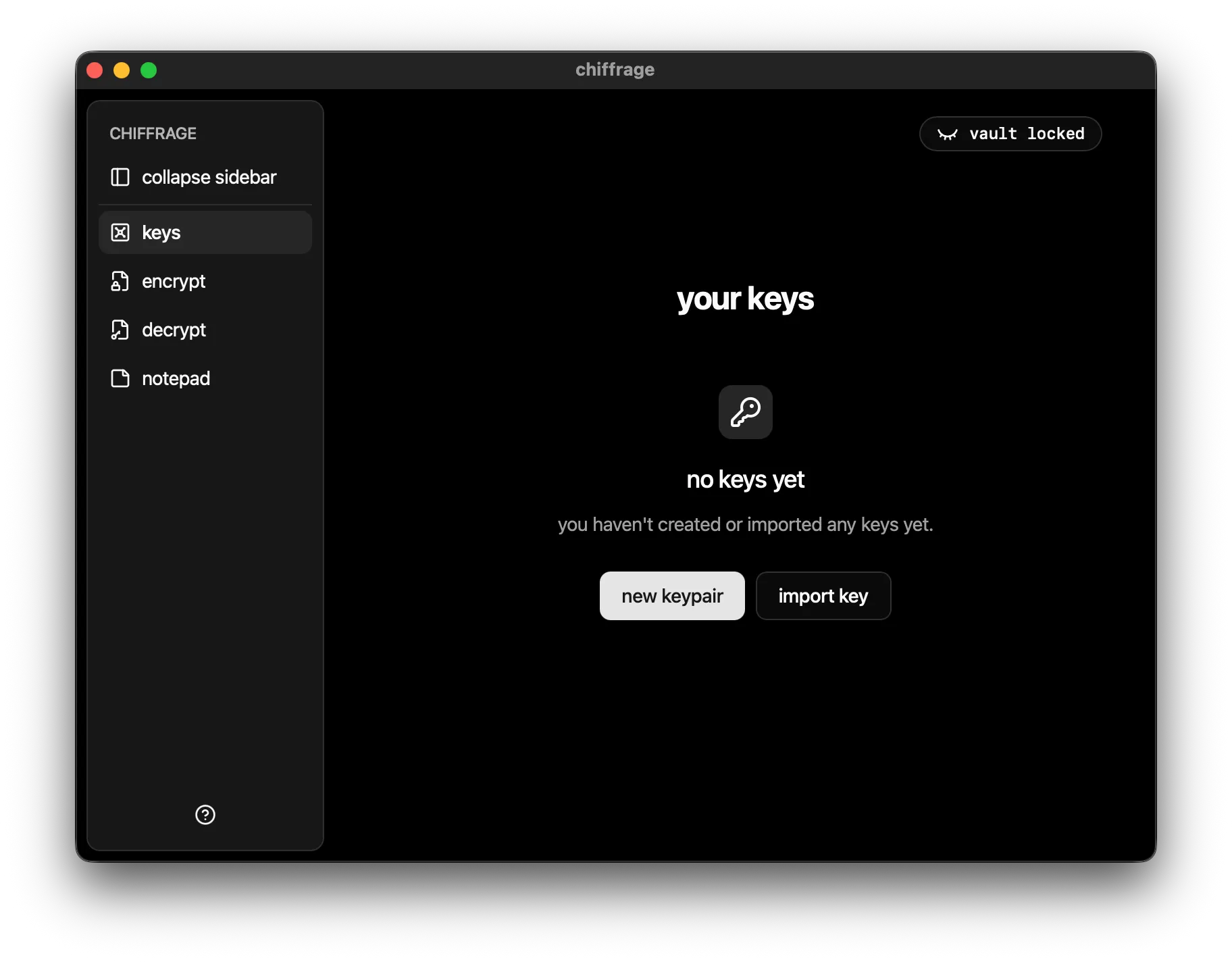
chiffrage allows you to manage keys in one place rather than having to worry about keeping the text safe or organized. you can generate your first keypair by pressing “new keypair” after creating your vault:
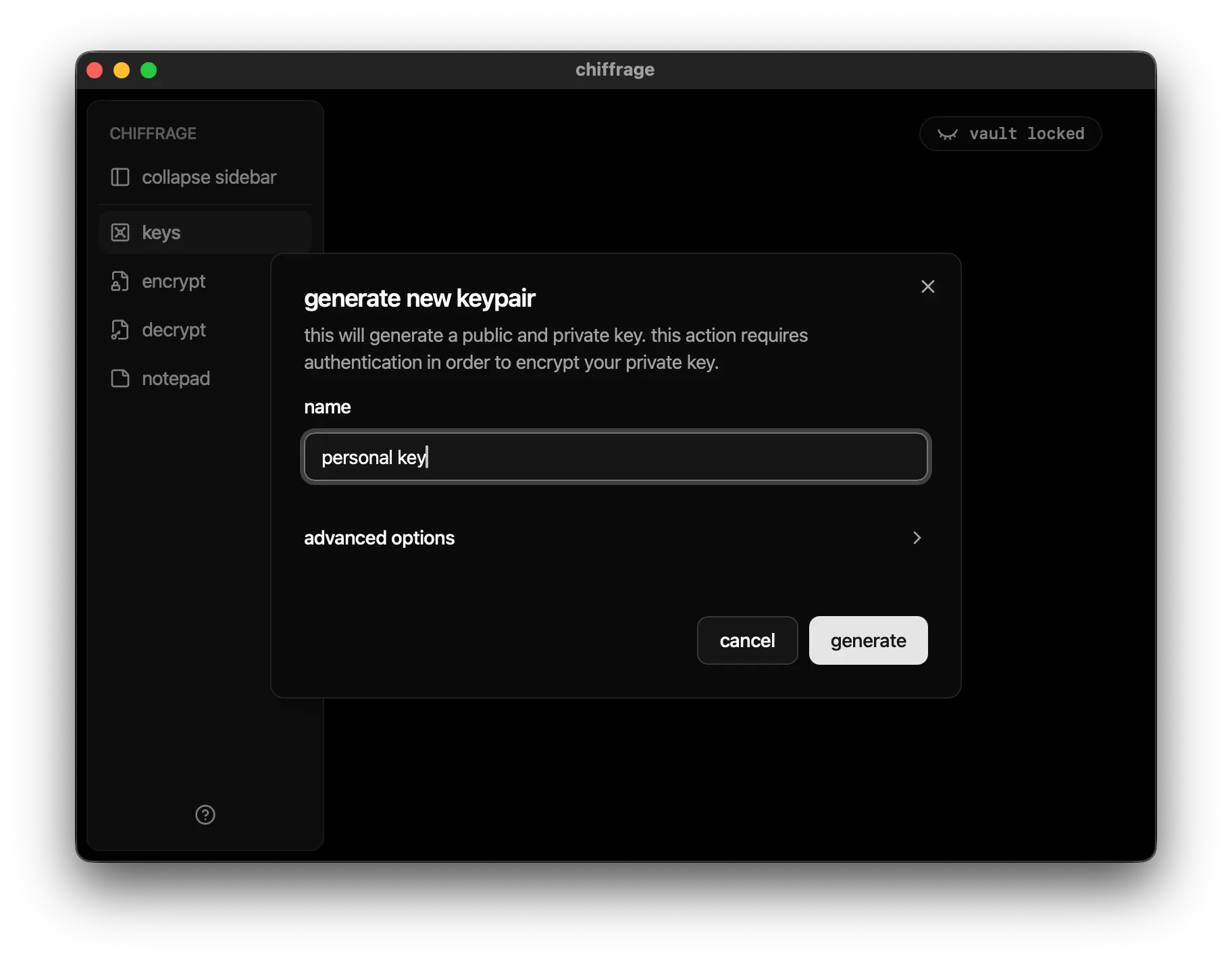
all that is required to generate a key is a name, in contrast to PGP’s email requirement:
after generating your key, click on it to view its details:
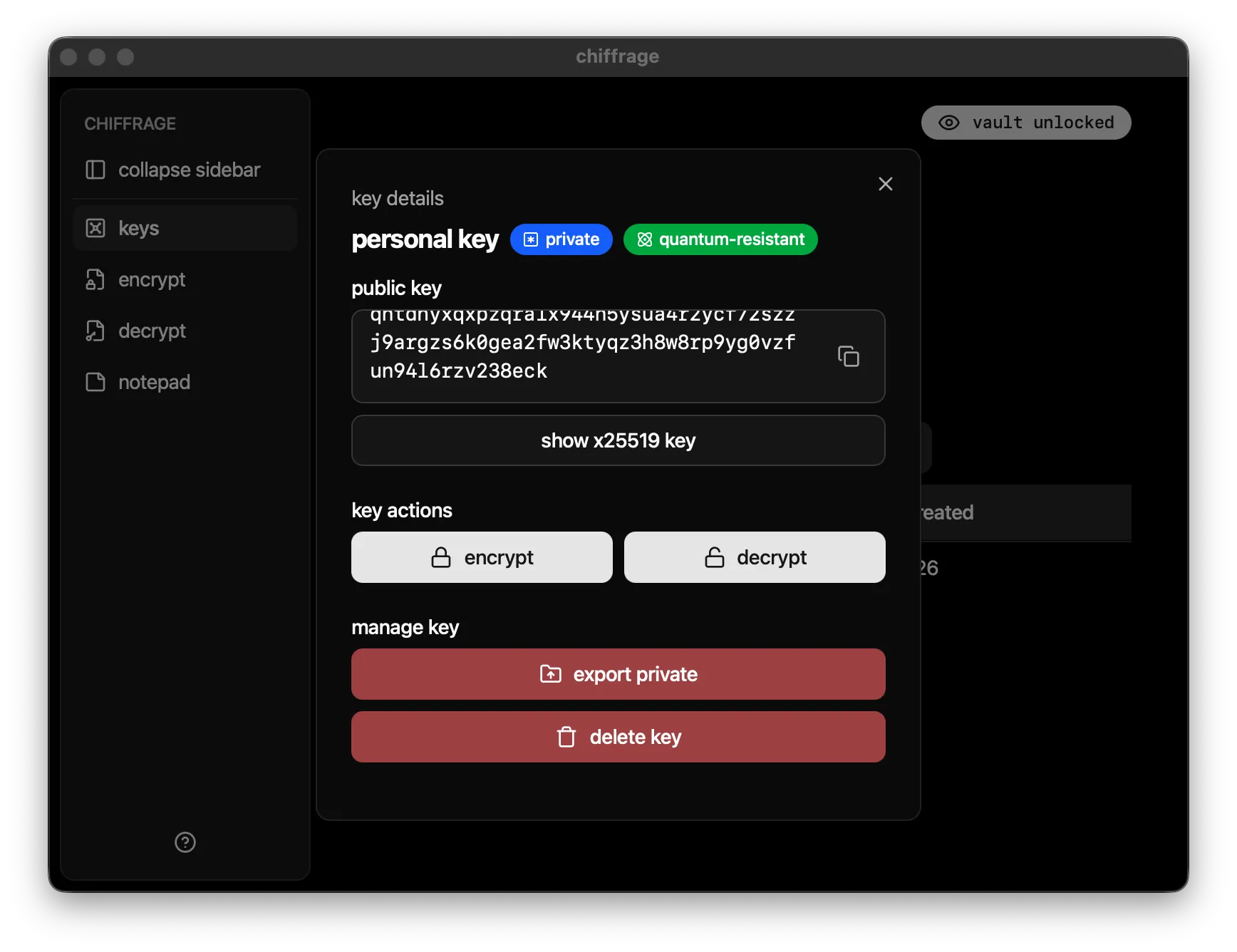
from this dialog, you can share your public key, as well as export your keypair or remove it from the vault altogether.
did you notice? chiffrage defaults to quantum-resistant MLKEM768-X25519 keys, which unfortunately come at the cost of very long public keys and small but growing usage. using the “convert to x25519” button, you can view it as a standard (quantum-vulnerable) X25519 public key.
you can also import keys from a file or from text using the “import key” button on the keys page.